Connect your Gmail, Calendar, and Drive
Three connectors live on the Inbox settings page. Each does one specific thing, and it is worth knowing exactly what before you connect.
Open Inbox and choose settings, or go to Connect your accounts. Each connector runs a standard Google sign-in.
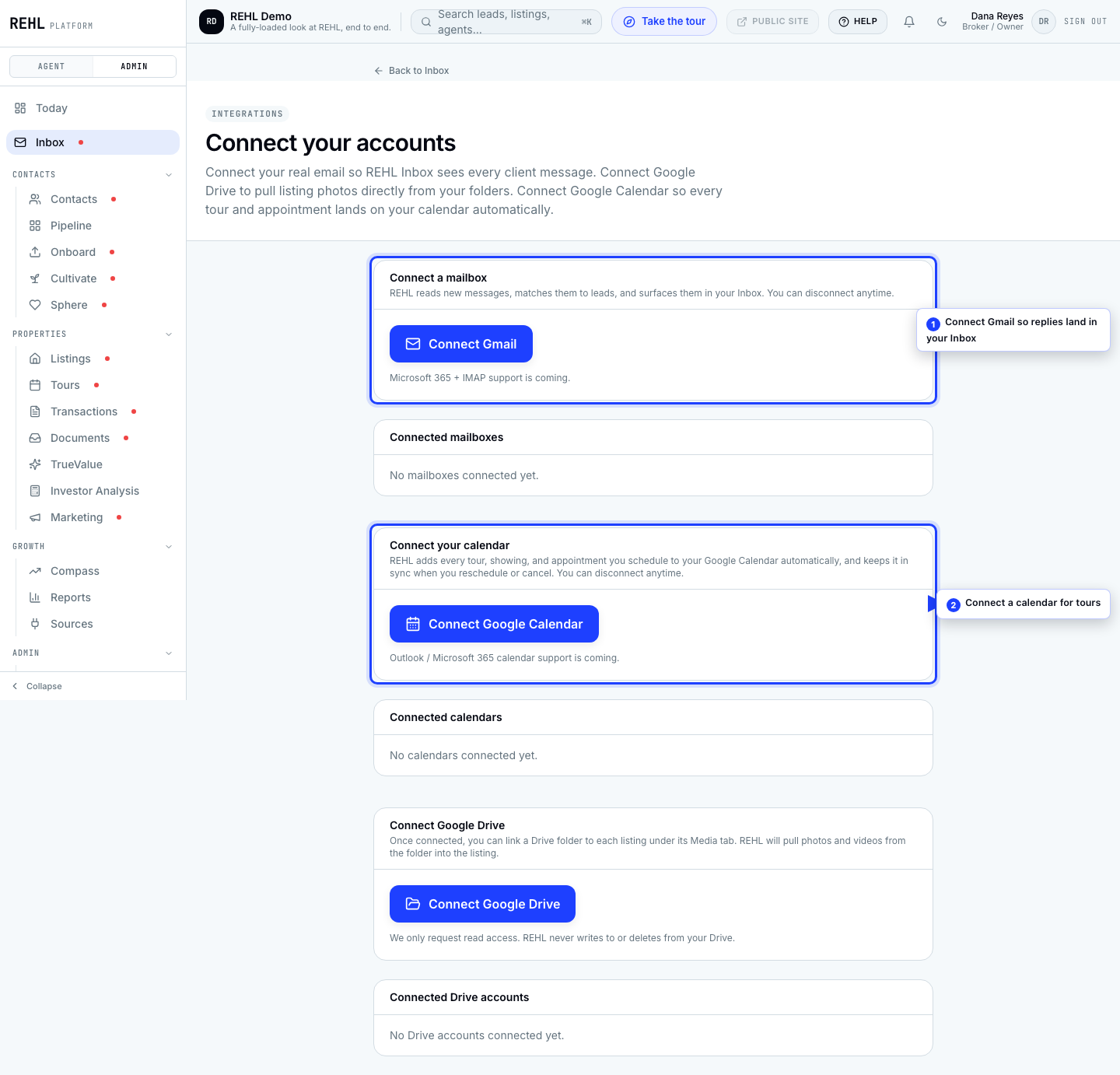
Gmail
This is the important one. Your leads reply to your real email address, so connecting your mailbox is what brings those replies into your REHL Inbox and onto the lead's record. Without it, your Inbox will look emptier than your business actually is.
Google Calendar
Connect it and each tour you schedule becomes one event on your calendar. It is one event per tour, not one per stop: a tour with four showings is a single event with its stops listed on it.
Google Drive
Drive lets you pull listing photos and videos out of your own folders. Connecting alone pulls nothing at all. You link a specific folder to a specific listing, then refresh it when you want the files brought over. There is no background sync, so new photos or videos dropped into a linked folder will not appear until you refresh.
If Drive connects fine but refreshing a folder errors out, that is a platform-side configuration gap rather than something wrong with your account. Contact support and mention Drive refresh.
Need more help? Contact support.