Your plan and subscription status
Two places in REHL show something about your plan. Both are live now, and they read the same source. Here is what each one is for and the one case where they can disagree.
Trust the Billing page
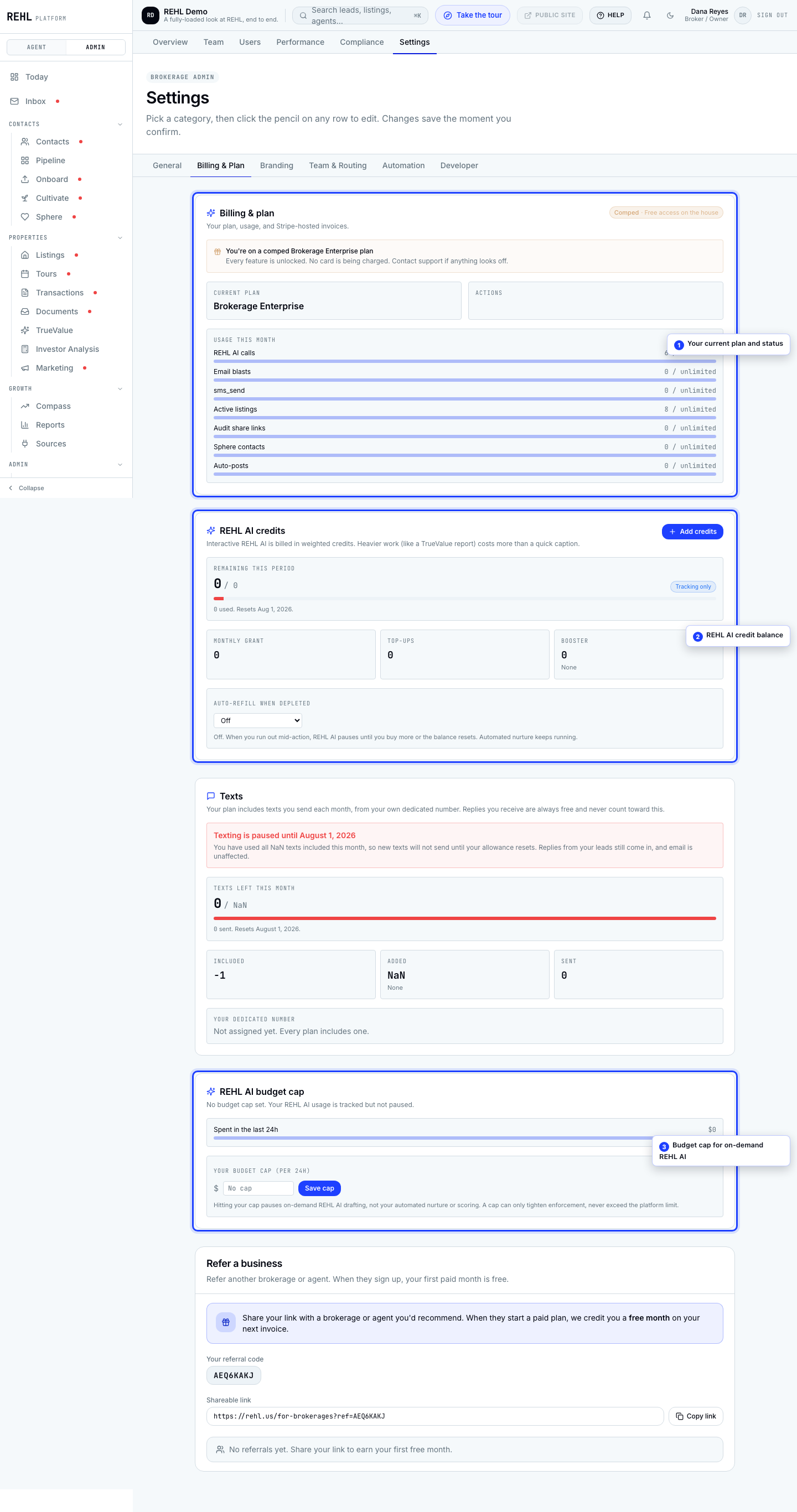
Open brokerage settings and go to Billing & Plan. The status shown there mirrors Stripe directly, so it is the real answer: your tier, whether you are trialing, active, or past due, and your payment method.
The Plan status row on General
The General settings page has a Subscription section with a Plan status row. This used to be a dead field that read Trial for every account no matter what you paid. It is not any more: it is now kept in step with your Stripe subscription, updated whenever your status changes and again whenever Stripe tells REHL something changed. If it says Trial today, treat that as a real answer and not a known display bug.
Two cases still leave it on Trial when you would not expect it. An account that has never had a subscription record created has nothing to copy from, so it sits at the starting value. And because the row is updated by events from Stripe, a message from Stripe that never arrives can leave it behind the truth. REHL watches for that second case and reports the mismatch to us rather than quietly rewriting your status, because a status silently corrected would hide the delivery problem that caused it.
If the two pages disagree, Billing & Plan is the one to trust, and it is worth a support ticket so we can check whether an update from Stripe went missing. A wrong tier or an unexpected past-due banner on Billing & Plan is always worth a ticket.
Changing your plan
Use Change plan on the Billing page to move tiers or adjust seats, and Manage billing to open the Stripe portal for payment method, invoices, downgrades, and cancellation.
Need more help? Contact support.