A tour of your brokerage settings
Everything you configure for your brokerage sits behind one settings area, split into six categories. Here is what each one owns, and the one thing that has moved out.
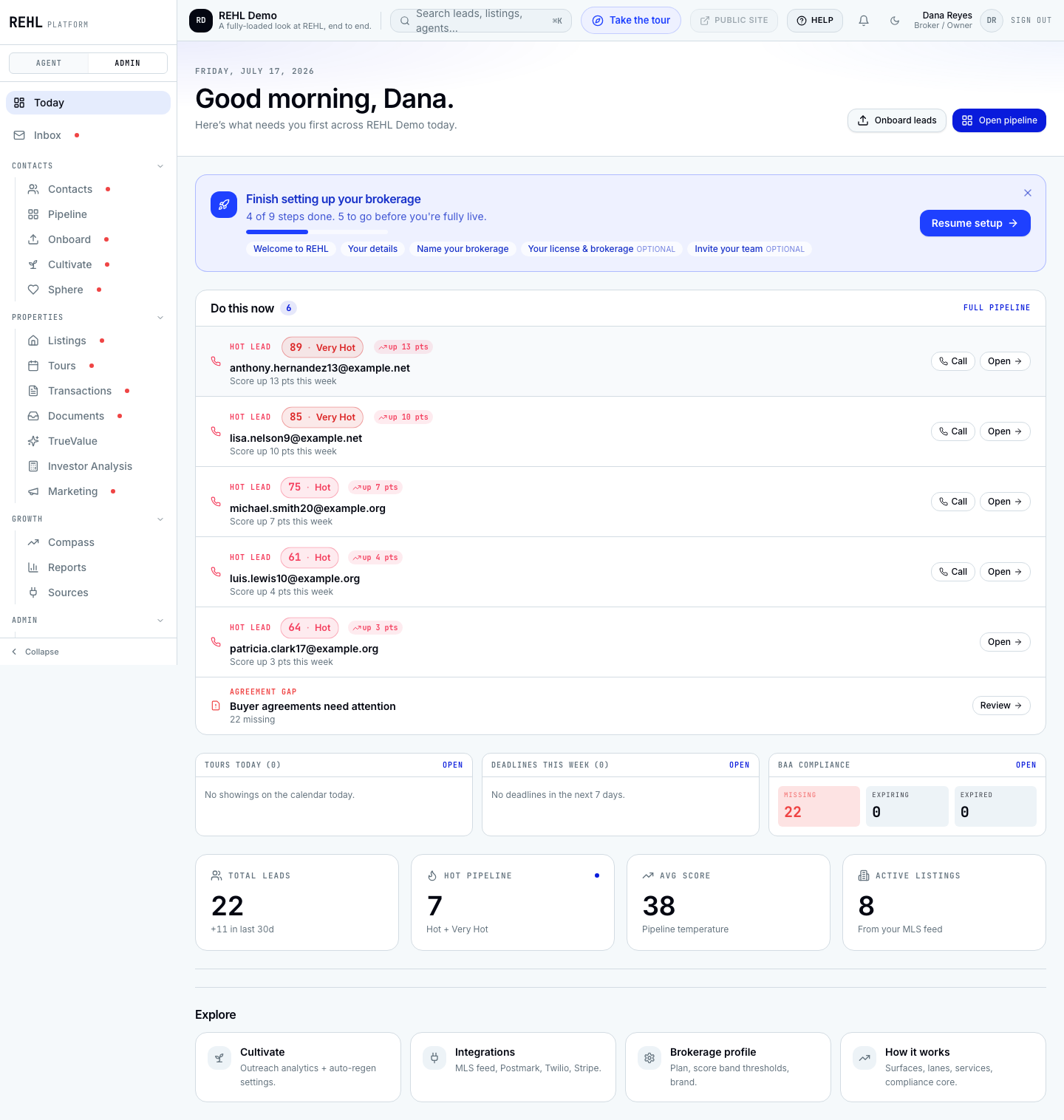
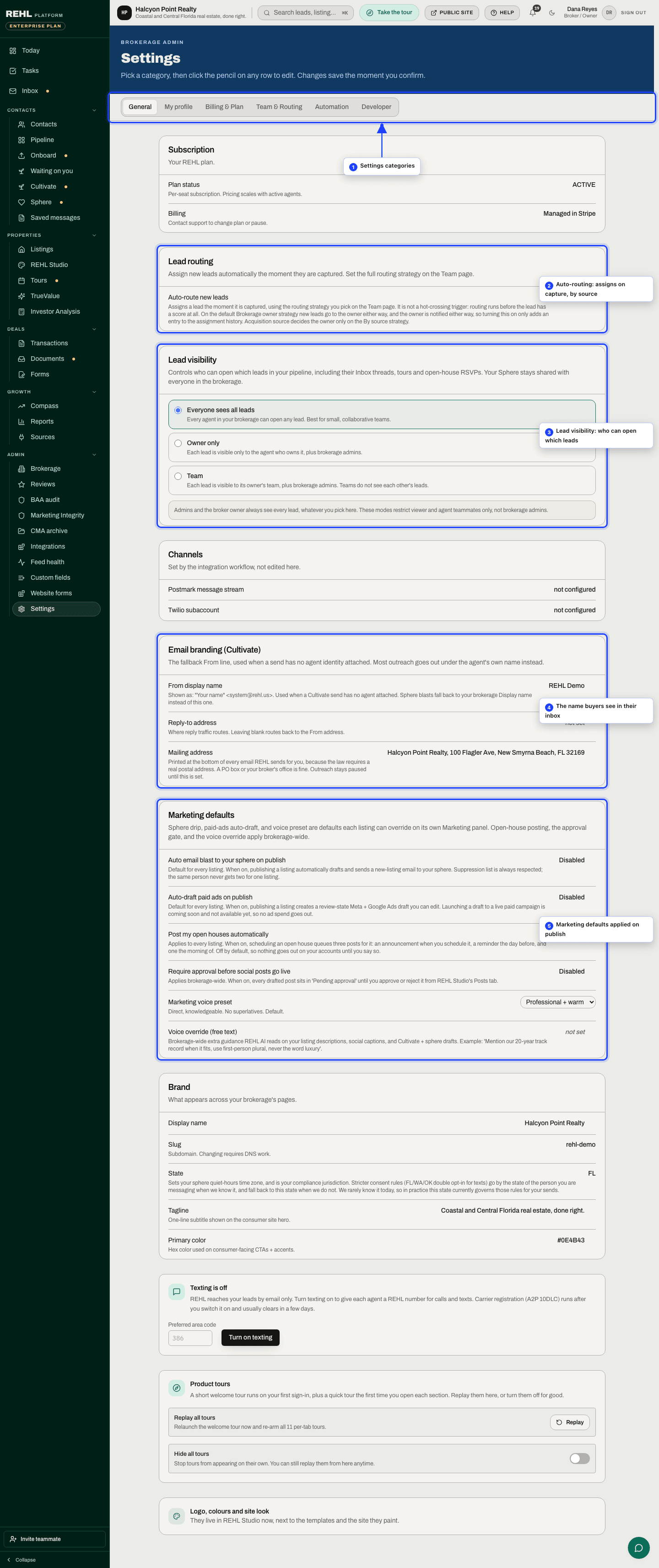
The six categories
General
Your plan status, the auto-route new leads switch, lead visibility, email branding, marketing defaults, your brand basics (name, tagline, color), and the read-only rows for your Postmark and Twilio setup. Score band thresholds are not here: those controls are hidden because nothing acts on them yet.
My profile
The one category about you rather than your brokerage: your name, title, phone, photo, email signature, the short bio REHL AI writes from, and your password. Nobody else at the brokerage is edited from here. It is never hidden, on any plan or any seat, because everyone has a profile.
Billing & Plan
Your subscription and payment method, REHL AI credits, your SMS allowance, the REHL AI budget cap, and your refer-a-business link. This is the page that tells the truth about your plan.
Team & Routing
How new leads are auto-routed across your agents, and how commission splits are configured for teams.
Automation
Your REHL AI workflow controls: Cultivate auto-regeneration, auto-enroll, and the auto-reply timer.
Developer
API keys for programmatic access. Available on Power and the larger brokerage plans.
What is no longer a settings category
Branding. Your logo, colors, tagline, site theme, hero image, headline, subcopy and the meet-the-team roster are all on the Brand tab of REHL Studio now, next to the templates and the site they paint. The old Branding settings address still works and sends you there. The white-label half of that page is included on Power and Brokerage Scale; other plans see an upgrade panel in its place.
Team & Routing is hidden on solo plans. Both routing and splits are multi-agent ideas, so there is nothing to configure on a single seat. Every other category shows on every plan.
Need more help? Contact support.