Lead routing
Routing decides who owns a new lead. Two things about it surprise nearly everyone, so start here rather than on the General page.
Use the Team & Routing page, not the General toggle
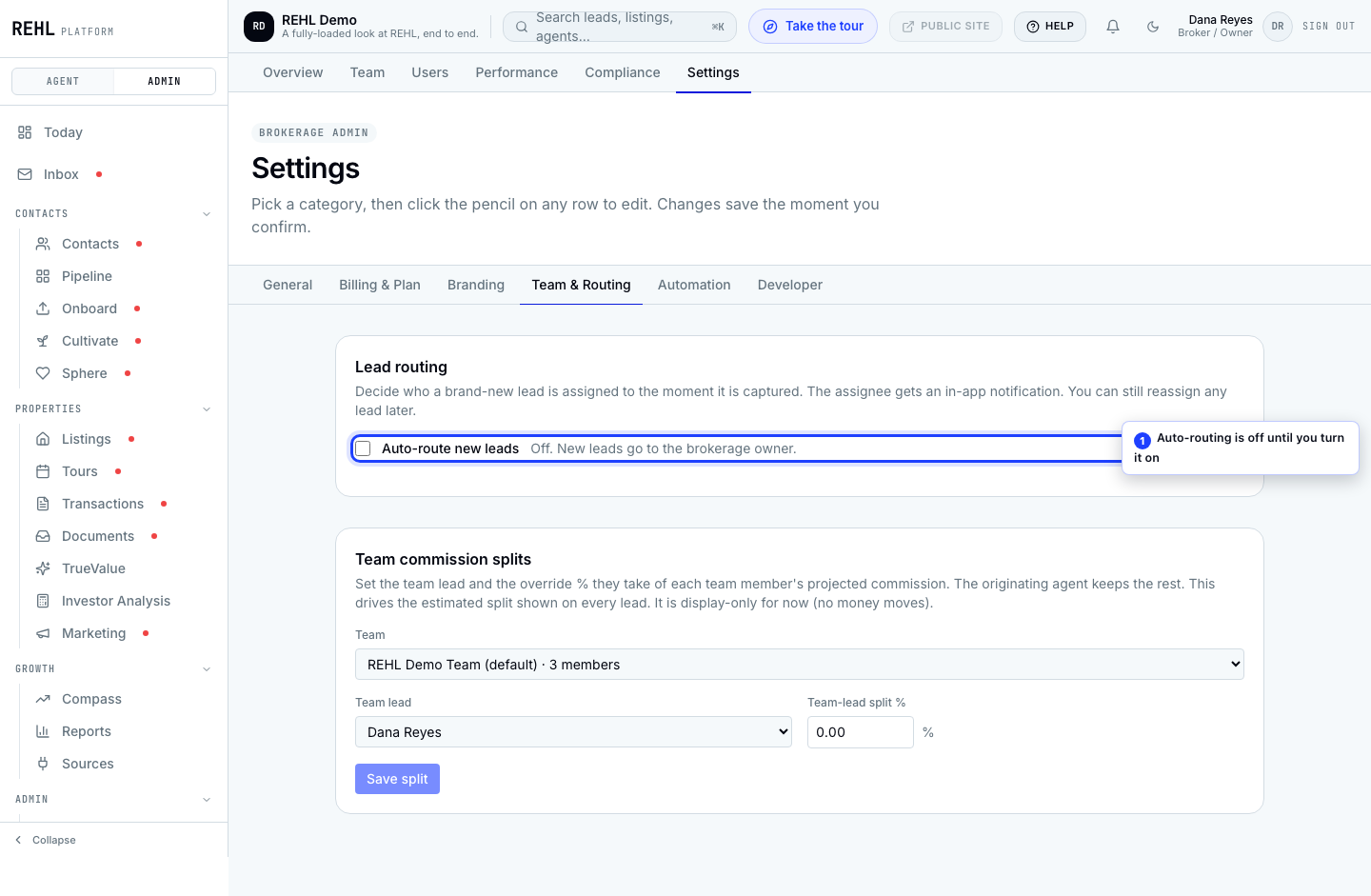
General settings has an Auto-route new leads toggle. With your routing strategy left on the default Brokerage owner, turning it on does not change who a new lead goes to: the owner gets it either way, on every path a lead can arrive by. Go to Team & Routing, where the switch and the strategy sit together, and pick Round robin or By source. Once you do, the toggle decides the owner everywhere, including leads that come in from your branded buyer site.
It is not quite a no-op on the default strategy, which matters if you are reading a lead's assignment history. For leads REHL captures for you inside the product (a connected lead source, a portal lead emailed in, a CSV import) turning it on adds an assignment entry on the lead. The owner's bell no longer has anything to do with the toggle: it rings on every lane that lands a lead with an owner, in-product capture and your branded buyer site alike, whether the toggle is on or off. The one exception is a bulk lane (CSV import, CRM migration), which never rings per-lead bells, by design, whatever the toggle is set to. For leads that come from your branded buyer site (find-an-agent, saved listing, showing request, open-house RSVP, property report) the toggle still adds no assignment entry while the strategy is Brokerage owner: only the in-product lanes write that row.
Routing does not wait for a lead to cross Hot, and never did. It runs at the moment a lead is captured, before there is any score at all, so temperature is not something it can read. What it reads instead depends on the strategy: only By source looks at where the lead came from, and Brokerage owner and Round robin look at neither the source nor the score. If you remember the General toggle saying hot leads, that wording is gone.
The three strategies
Brokerage owner (the default)
Every new lead goes to the brokerage owner. This is what runs until you pick something else.
Round robin
New leads rotate across your active agents. The rotation is genuinely even: REHL keeps a persistent position in the rotation, so it does not restart or favor whoever happens to be first in the list. You can optionally scope it to one team.
By source
Map an acquisition source to a fixed agent or team. Anything you have not mapped falls through to the brokerage owner.
Conditions worth knowing
- Rotate within team: if the team you scope to has no active agents, routing quietly falls back to the brokerage owner rather than erroring. If a team's leads are all landing on the owner, check that the team has active agents in it.
- By-source rules only fire for sources your account actually receives. The dropdown lists more sources than any one brokerage sees, so a rule on a source you never get is simply inert.
- Leads that arrive from listing portals currently route to the brokerage owner, whatever your by-source rules say. Their source is recorded per portal, and those per-portal values are not among the sources a rule can be written against.
- CSV import does route, and it routes per row. An import counts as the manual import source, so a by-source rule on manual import applies to it, and round robin spreads the batch across your agents rather than dropping all of it on one. Credit for bringing the contacts in still goes to whoever ran the import; that is separate from who ends up owning each lead.
Need more help? Contact support.