Lead visibility across your team
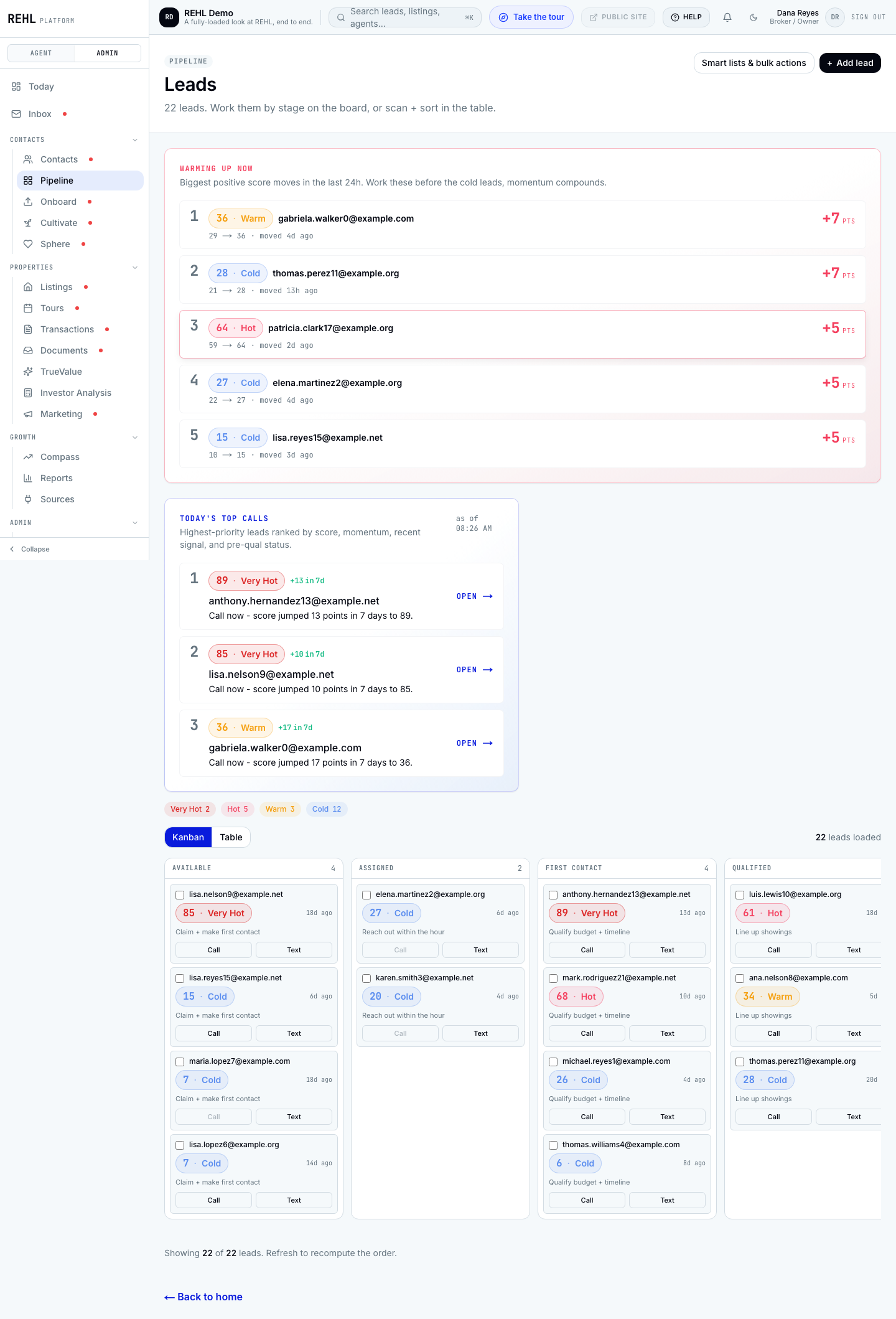
Lead visibility controls who can open which leads. There is one condition that catches almost everybody, so read this before you rely on it.
The three modes
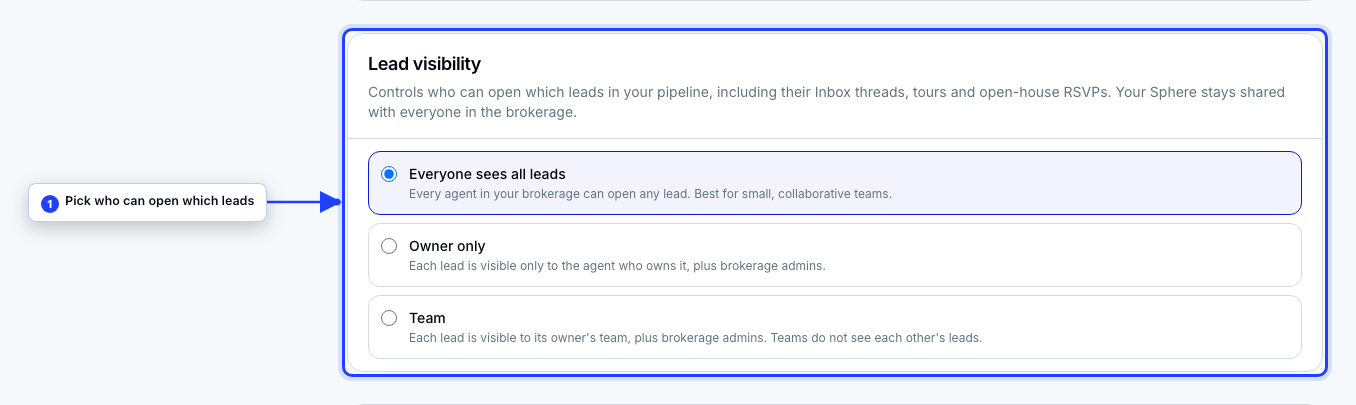
- Everyone (the default): every person in the brokerage can open every lead.
- Owner only: a lead is visible to the agent who owns it.
- Team: a lead is visible to the owning agent's team.
The condition that matters most
Owner only and Team narrow what a teammate sees if their seat is Agent or Viewer. A teammate whose seat is Admin sees every lead in the brokerage no matter which mode you pick. That is deliberate: Admin is the seat that runs the brokerage.
New invites default to the Agent seat, which this setting does narrow. If you set your team up before the Agent seat existed, your teammates may still be Admins, and switching to Owner only will look like it did nothing. It is doing exactly what it is built to do; those teammates are simply on the one seat it does not narrow. Change them to Agent from the seat picker on their row under Brokerage, then Team.
Check your team roster before you rely on this setting. Anyone still on the Admin seat will keep seeing every lead. The Agent seat is the one to move them to: it works leads, listings and cadences normally, and it is the seat this setting narrows.
What the boundary covers
When the mode does apply, it is enforced in the database, not just hidden in the interface. That means it holds across the lead record, its Inbox threads, its tours, and its open-house sign-ins.
Your Sphere is deliberately outside this. Sphere contacts stay shared with everyone in the brokerage in every mode.
Need more help? Contact support.